Start guide
›
FAQ
›
Questions when introducing the service
I want to create and register a banner. What is the recommended banner size?
On CODE Marketing cloud you can use your original banner without using creative templates, register it, and use it for campaigns.
There are no limitations on banner image sizes. Uploadable file sizes are limited to 3 MB, so keep this in mind when using high-definition images or gif animations.
We recommend the following sizes for applicable devices and onscreen banner display positions.
Banner size for PC (horizontal x vertical)
- Center display: 640x400 pixels
- Footer (bottom section) display: 870x90 pixels
- Corner display: 400x300 pixels
- Side display: 300x960 pixels
Banner size for Smartphone (horizontal x vertical)
- Modal (center) display: 320x400 pixels
- Footer (bottom section) display: 282x120 pixels
- Corner display: 240x180 pixels
- Side display: 165x480 pixels
Although the banner size may differ slightly from the above sizes depending on its design, this will not pose a problem. Feel free to make adjustments based on your campaign strategies.
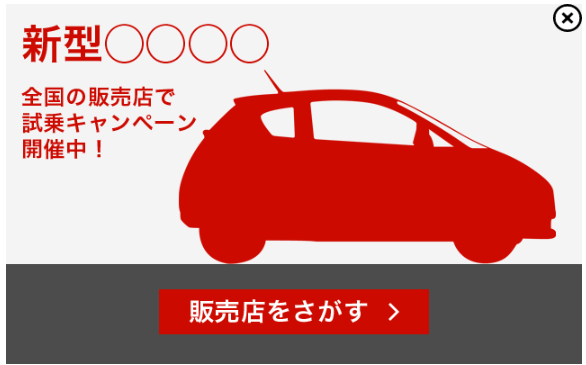
CODE Marketing cloud specifications include an close button on the upper right or upper left corner for closing the banner. The close button is available in the following sizes: 16x16 px, 32x32 px and 45x45 px. You may also choose from several different button icon designs. Regarding the close button, we recommend arranging the banner layout so that there are no problems even if the banner design is hidden.
close button examples: